| Brand | Rw Energy |
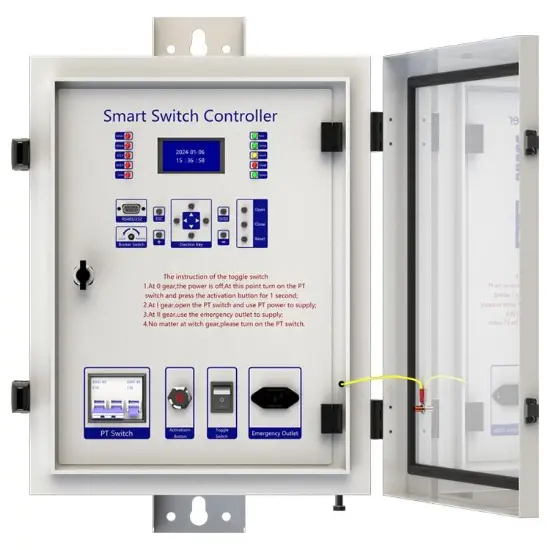
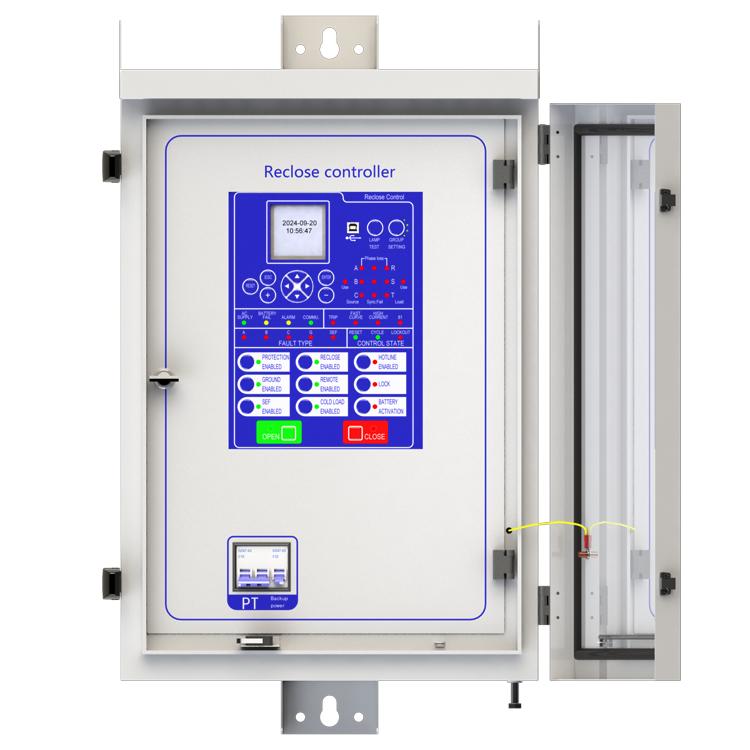
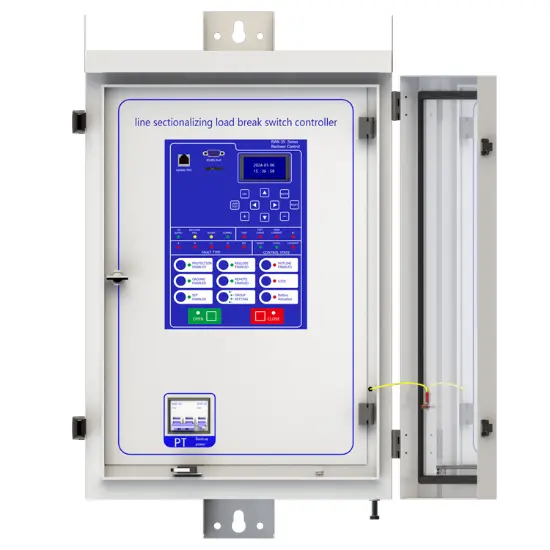
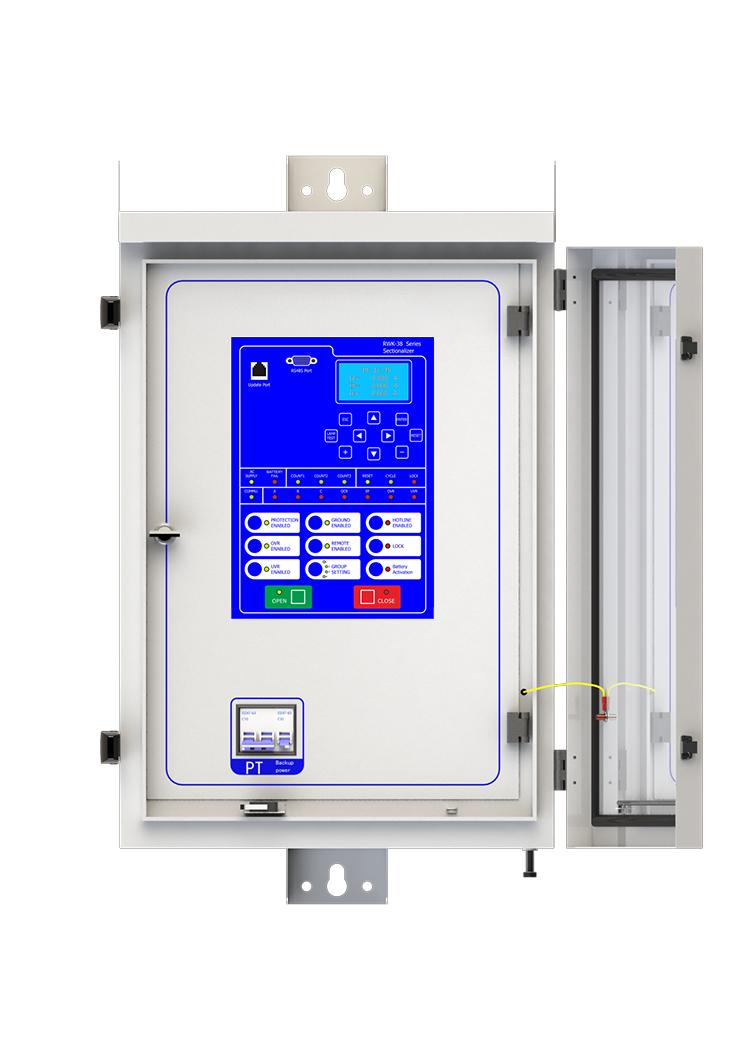
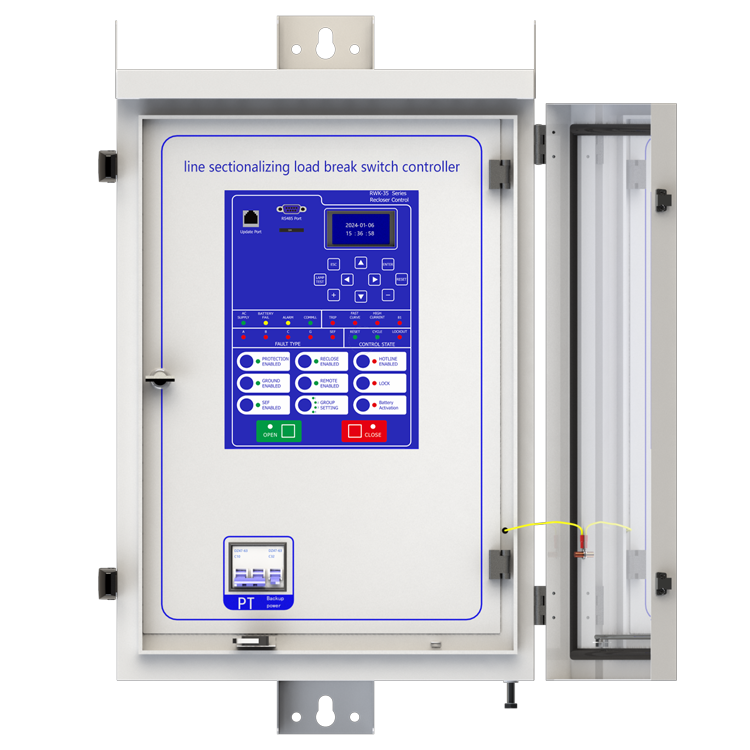
| Numero sa Modelo | Kontrolador sa Load Break Switch para sa Line Sectionalizing |
| Naka nga boltahang rated | 230V ±20% |
| Nasodnong peryedyo | 50/60Hz |
| Konsumo sa Electrikidad | ≤5W |
| Serye | RWK-38 |
Pagpahayag
Ang kontrolador ng RWK-381 line sectionalizing load break switch ay isang uri ng switch na kailangan magsama sama sa superior switch. Hindi ito makakaputol ng fault current, trip lamang nito kapag ang linya ay may mababang voltage o walang current.
Ang kontrolador ng RWK-381 line sectionalizing load break switch ay gumagamit ng IT operation mode. Kapag nangyari ang fault, irekord ng kontrolador ang bilang ng mga pagkakamali. Kung ang bilang ay umabot sa itinakdang halaga, magtrip ang kontrolador pagkatapos ng linya ay mababang voltage o walang current.
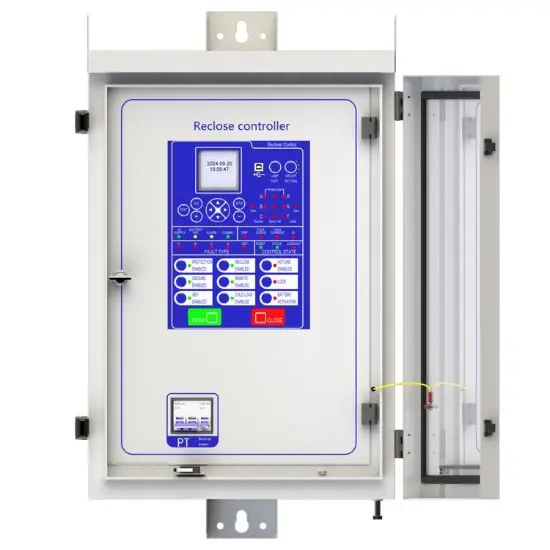
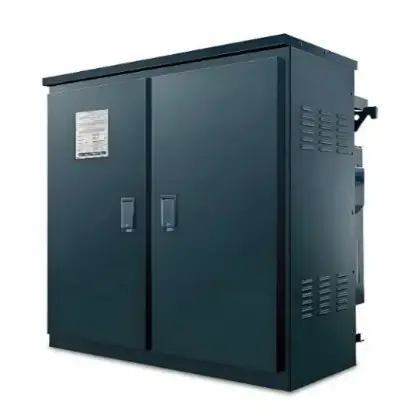
Ang kontrol box ay gawa sa stainless steel, ang ibabaw ay pinintura at may anti-corrosion, maaaring gamitin sa outdoor environment.
Mayroon itong charging circuit: Maaari itong kunin ang AC220V charging power supply mula sa labas. Kung walang power supply sa labas, maaari pa rin itong makamit ang pagbubukas/pagsasara ng operasyon at lahat ng mga function ng kontrolador gamit ang battery. Bukod dito, ito ay may setting na anti-over discharge circuit para protektahan ang battery kapag wala ang elektrisidad ng power supply sa labas sa matagal na panahon.
Pagpapakilala sa pangunahing function
1. Relay protection functions:
1) Section function,
2) 50 Instantaneous/Definite-Time Overcurrent (P.OC),
3) 51 Phase Time-Overcurrent (P.OC2/P.OC3),
4) 49 Overload
5) 50N Residual Ground Instantaneous/Definite-Time Overcurrent(G.OC),
6) 51N Residual Ground Instantaneous/Definite-Time Overcurrent (G.OC2 /G. OC3) ,
7) 50SEF Sensitive Earth Fault (SEF),
8) 51C Cold Load,
9) TRSOTF Switch-Onto-Fault (SOTF)
10) 27 Under Voltage (L.Under volt) ,
11) 59 Over Voltage (L.Over volt),
2. Supervision functions:
1) 74T/CCS Trip & Close Circuit Supervision,
2) 60VTS VT Supervision .
3. Control functions:
1) 60VTS Lockout ,
2) circuit-breaker control.
4. Monitoring Functions:
1) Primary/Secondary Phases and Earth Currents,
2) Direction,
3) Primary/Secondary Line and Phase Voltages,
4) Apparent Power and Power Factor,
5) Real and Reactive Power,
6) Positive Phase Sequence Voltage,
7) Negative Phase Sequence Voltage & Current,
8) Zero Phase Sequence Voltage,
9) Earth Current With 3RD Harmonics,
10) Frequency,
11) Binary Input/Output status,
12) Trip circuit healthy/failure,
13) Time and date,
14) Event records
15) Counters,
16) Wear.
5. Communication functions:
a. Communication interface: RS485X1,RJ45X1
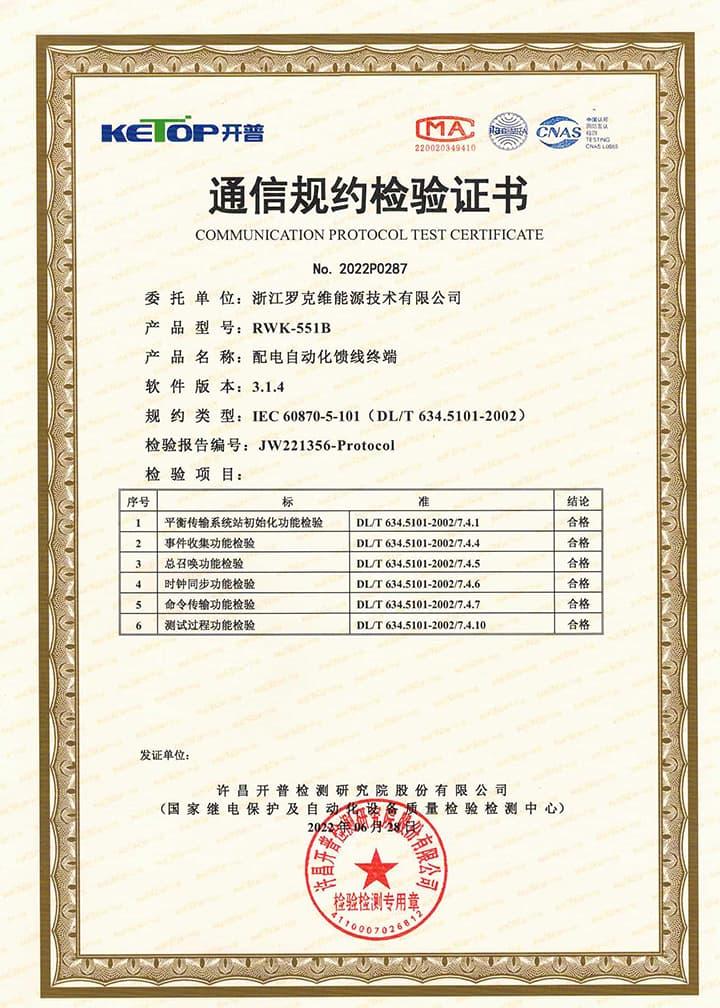
b. Communication protocol: IEC60870-5-101; IEC60870-5-104; DNP3.0; Modbus-RTU
c. PC software: RWK381HB-V2.1.3, Ang address ng information body ay maaaring i-edit at i-query gamit ang PC software,
d. SCADA system: SCADA systems na sumusuporta sa apat na protocol na ipinakita sa "b.”.
6. Data Storage functions:
1) Event Records,
2) Fault Records,
3) Measurands.
7. remote signaling remote measuring, remote controlling function can be customized address.
Teknolohiya parametro

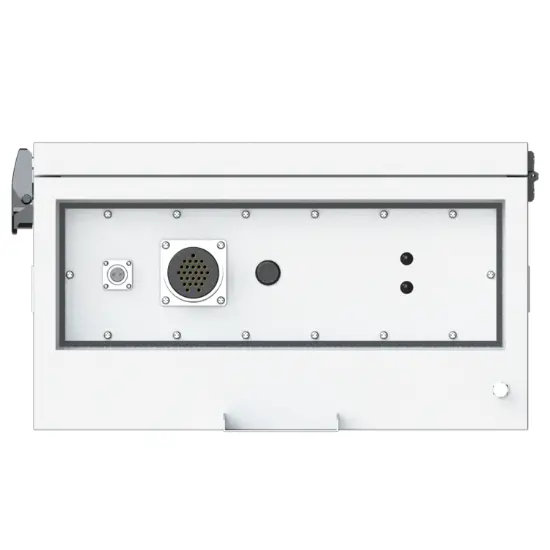
Device structure


Tungkol sa customization
Ang mga sumusunod na opsyonal na function ay available: heating defrosting device, battery upgrade to lithium battery or other storage equipment, GPRS communication module,1~2 signal indicators,1~4 protection pressure plates, the second voltage transformer, custom aviation socket signal definition.
Para sa detalyadong customization, mangyaring makipag-ugnayan sa salesman.
Q: Ano ang line sectionalizing load break switch?
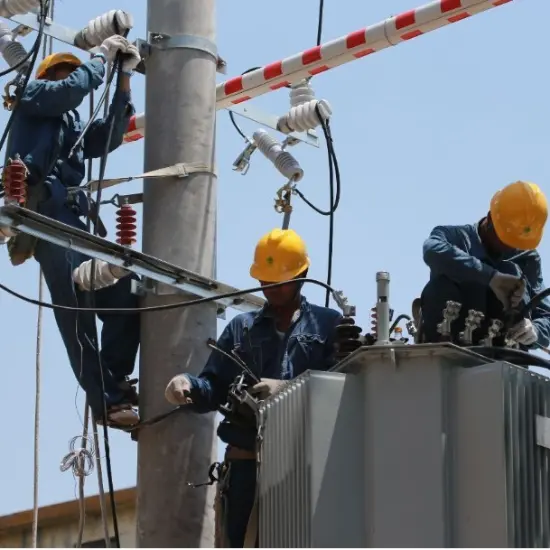
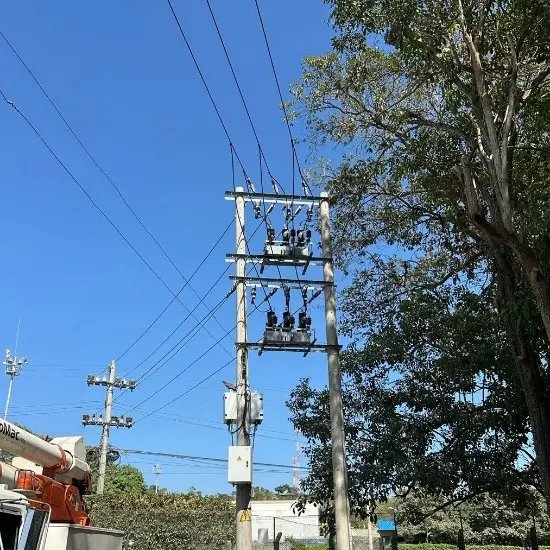
A:line sectionalizing load break switch ay isang mahalagang device na ginagamit sa mga power lines. Ang pangunahing function nito ay ang pag-segment ng linya ayon sa tiyak na mga tuntunin. Ang benepisyo nito ay kapag ang isang segment ng linya ay nagkaroon ng problema, ang segment switch ay maaaring hiwalayin ang may problema na segment mula sa normal na nagagamit na linya.
Q: Paano ito nakakadetermine ng mga segment?
A: Ang segmentation ay karaniwang dinetermina ayon sa load distribution, geographical layout at power supply reliability requirements ng linya. Halimbawa, sa lugar kung saan mas concentrated ang load, maaaring magkaroon ng separate segment; O ayon sa geographical area, tulad ng isang block o isang industriyal na lugar.
Q: Ano ang kahalagahan ng line sectionalizing load break switch para sa power system?
A: Ito ay maaaring mapataas ang reliabilidad at flexibility ng power system. Kapag nangyari ang fault, maaari itong mabilis na ihiwalay ang fault, bawasan ang saklaw ng brownout, upang ang mga power maintenance personnel ay maging mas targeted sa pagsolve ng fault, at ang iba pang hindi naapektuhan na mga segment ay maaari pa ring magpatuloy sa regular na pag-supply ng kuryente, upang siguruhin na
Kini nga device makakonekta sa SCADA System ug DMS, ug mahimo nimo mokonekta ang terminal sa server batas sa imong lokal nga network conditions. Kini nga terminal nagsuporta sa CDMA (3G)/LTE (4G)/ NR (5G), ETH, fiber optic ug uban pang paagi aron makapasok sa network. Mahimo sad nimo mokontak kanamo direkta, ug mihatag kami og solusyon alang sa distribution network automation.
Oo, ang device ni may koresponding nga upper computer software (disponible lamang sa windows-X86 version), nga mahimo nimong i-connec sa terminal pinaagi sa serial port o network port, nag-enable og fixed parameter configuration ug viewing, address configuration para sa remote signaling, telemetry, ug control, viewing sa event reports, monitoring sa electricity meters, packet capture sa communication messages, ug simulation sa remote control functions.
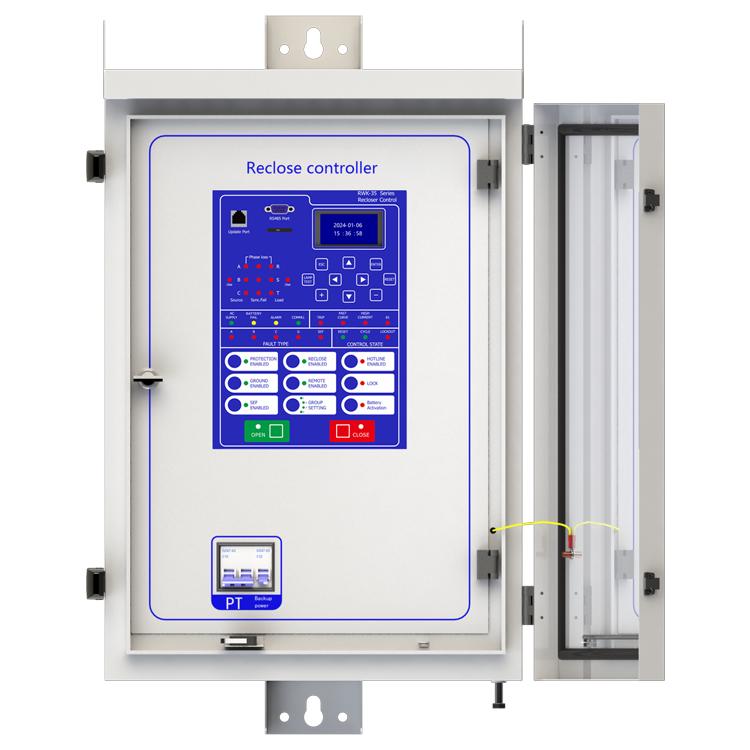
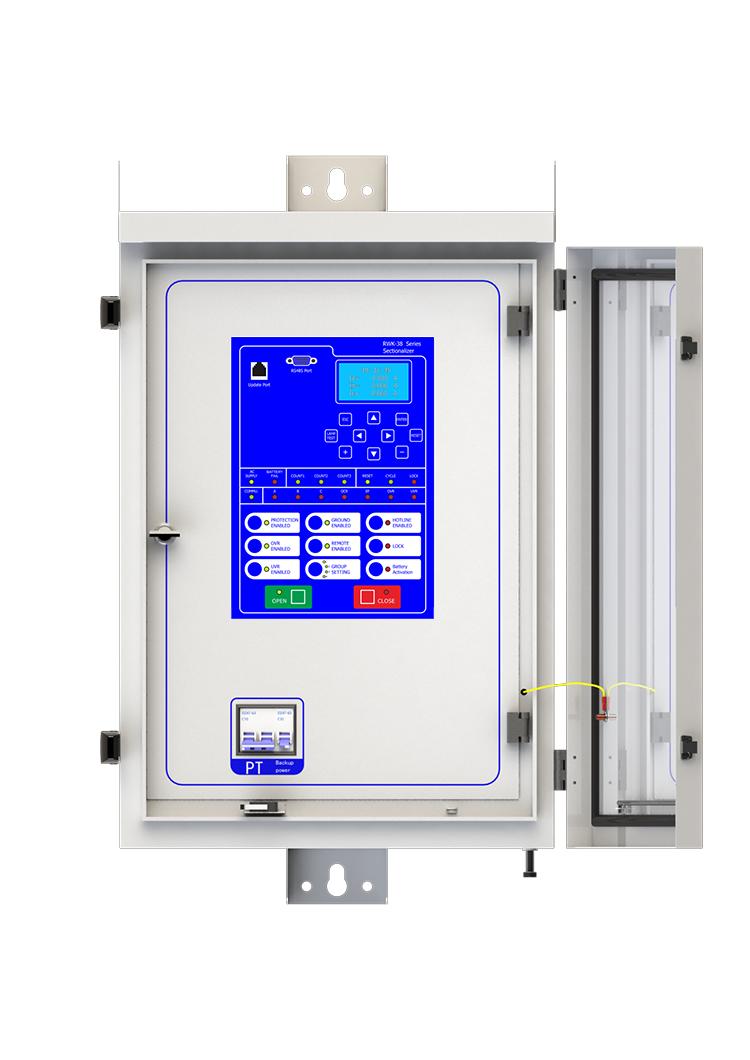
A: AC SUPPLY: NAGYOON NA ANG KURENTE SA AC
BATTERY FAIL: WALAY BATERIYA
count1/2/3: Ang Sectionalizer mogahin nang una/dupla/tulo ka ulan
RESET: Reset sa Sectionalizer
CYCLE: Ang Sectionalizer nagproseso
LOCK: Lock sa Sectionalizer
COMMU: Nagproseso ang komunikasyon
A/B/C: Kasagaran sa Phase A/B/C
OCR: Sobrang kurenteng kasagaran
EF: Kasagaran sa yuta
OVR/UVR: Sobrang kurente/kurang kurente
Ania ang protective device kini nga suporta sa 2-channel serial data communication, nga independent gikan sa usa ka channel. Ang usa ka channel mao ang RS485, ug ang uban mao ang ETH, nga mahimong i-configure nang separado. Ania ang paagi sa pag-configure:
Kini nga panahon, ang channel 1 adunay nahimong, ug ang channel 2 mahimo gamayon sa parehas nga paagi sa channel 1. Sa parehas usab, ang channel 2 kinahanglan usab nga i-configure ang network ports. Ania ang mga steps:
Konektar sa computer gamit ang Ethernet cable ug access 192.168.0.7 via WEB (ang IP address sa computer kinahanglan 192.168.0.XXX network segment, otherwise it cannot be accessed). After entering the background, select the "Local IP Config" button to set the terminal's DHCP mode, static address, subnet mask, and gateway address; Select the "Serial Port" button in the background, set the output port of the communication protocol in "Local Port number", and set the network port working mode (TCP Server/TCP Client) in "Local Port number". When setting TCP Client, fill in the TCP server address below. At this point, all communication settings have been configured
NOTE: 1. The product has been set to default settings before delivery to meet most usage scenarios. It is not recommended to make modifications or only modify controllable items (such as modifying communication protocols, configuring communication functions on/off, etc.) when it can be used normally